Solutions Trusted by Industry Leaders.
SCW has a strong history of working with corporate clients, which is why more than a third of third of Fortune 100 companies trust SCW products.







































National Defense Authorization Act Compliant Equipment.
Hundreds of government, defense, space, educational, community, non-profit organizations trust SCW to provide NDAA and ONVIF compliant solutions that meets the regulatory requirements of federal funds.



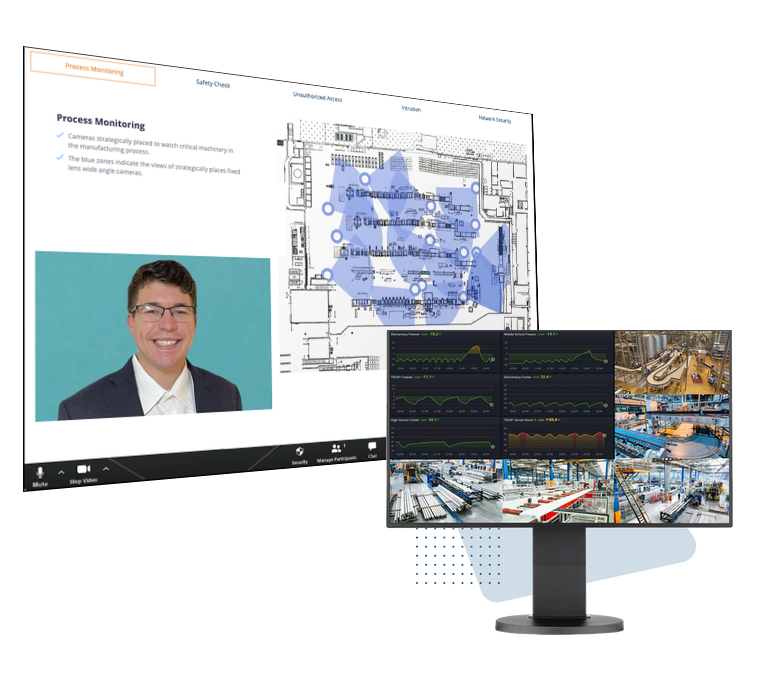
The Expertise To Design a Custom Solution
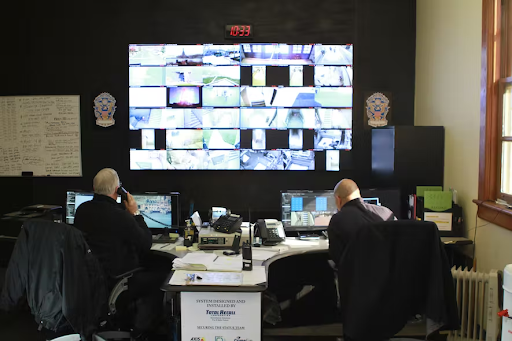
Our sales engineers can help you define a layered security approach that uses multiple layers of security devices to solve both security and operational needs.
We can combine real world video evidence with service level monitoring, production statistics, machine health diagnostics information, or operational sensor outputs to create an effective solution for your organization's needs.
The Capacity To Meet Your Needs
Most of the surveillance industry is local. We're a national provider. We can handle work that local companies just can't.
We use national installation project managers in conjunction with local boots on the ground, so that we can manage your multi-story, multi-site, and multi-state projects because we use a better process than other installation companies.

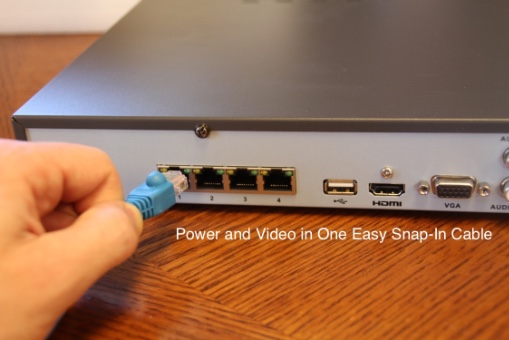
The Simplicity of Plug-and-Play
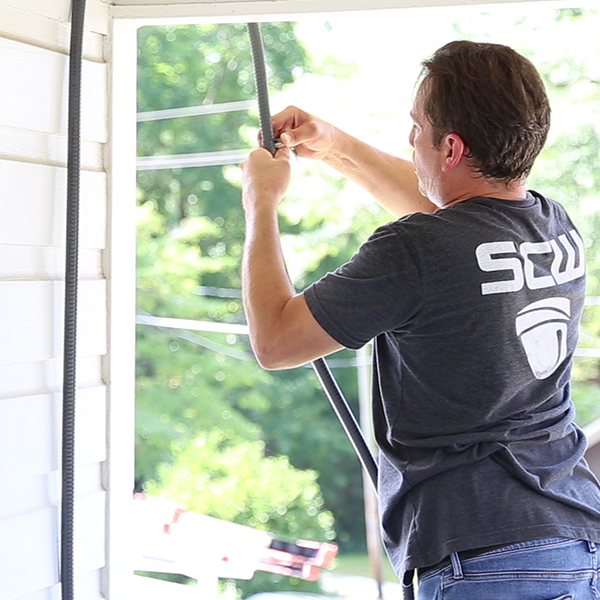
Don't need installation? No problem; we have tons of helpful installation guides for installing cameras. Thousands of people read our operational guides every day.
If you're comfortable running cable or performing an existing system upgrade, you won't have any technical hurdles in your way in getting a system up and running.

The Quality of Our Support
Despite what it may seem, we are not a security company. We are a Technical Support company that happens to provide security products.
Unlike a local provider, who often has to contact the manufacturer for anything complicated, you've got a one-stop-shop in terms of technical support. They key elements of our Support First! corporate identity focus on expertise, free training, no gatekeeping, and little to no wait times.
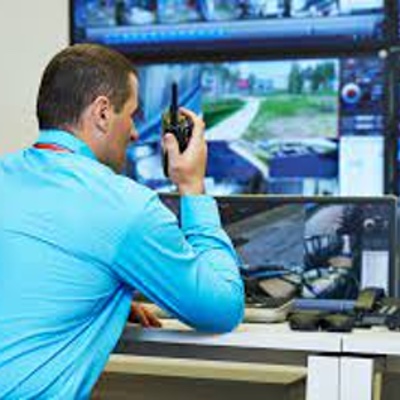
Enterprise Security Solutions Customized Around Your Needs
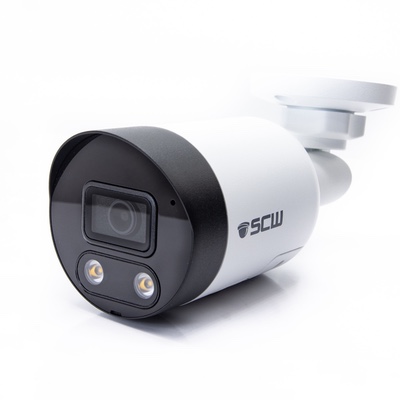
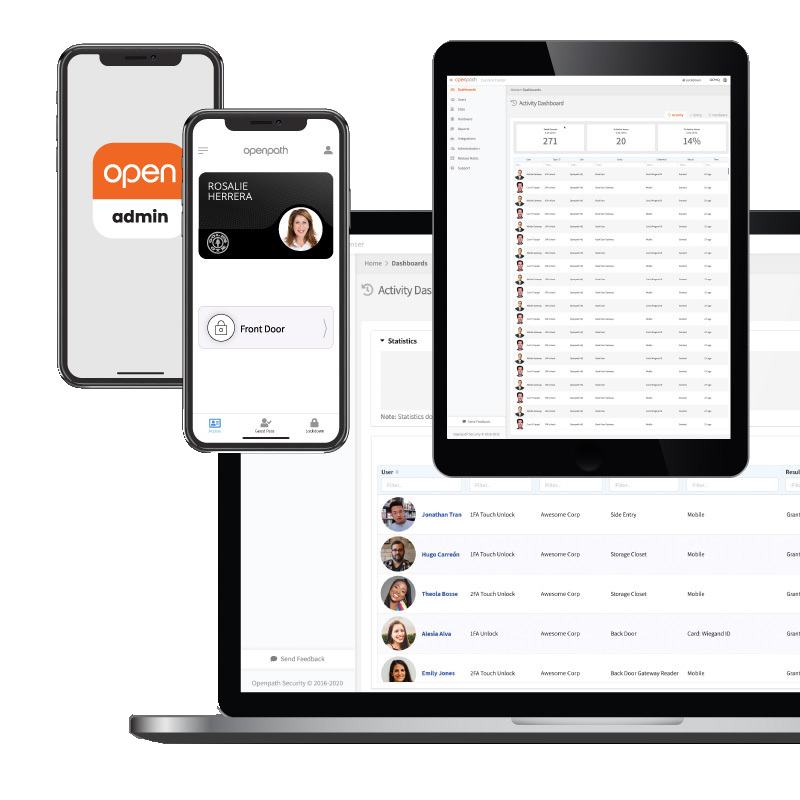
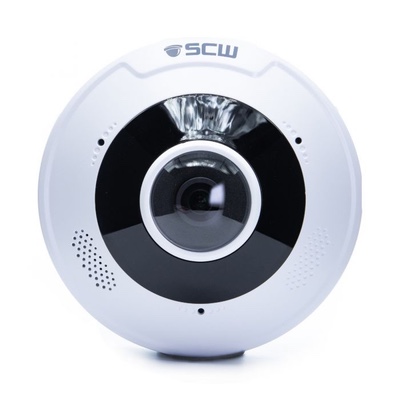
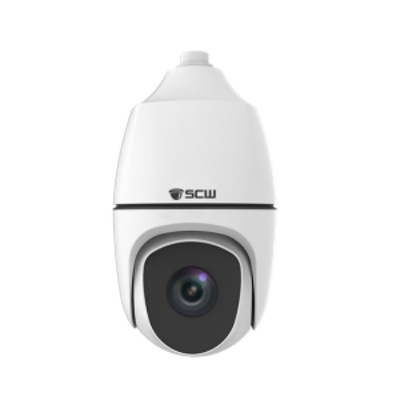
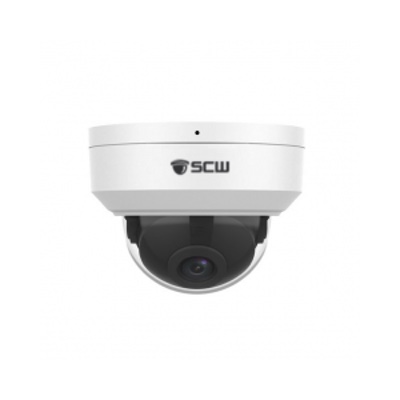
SCW offers NDAA compliant, commercial-grade surveillance cameras, access control systems, and alarms that you can buy online at a fair transparent price.
We're also here for you if you need services like installation, professional monitoring, or service plans.
We service, support, install, consult, create, design, and develop end to end solutions and we're flexible enough to let you decide which offerings you need.

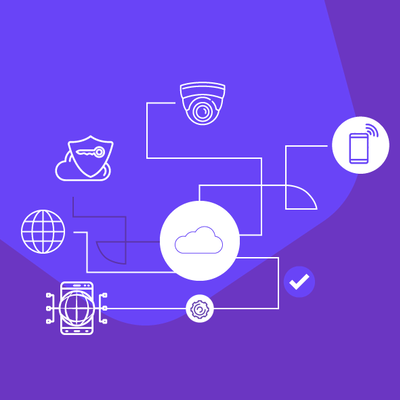
Powerful Cloud, Mobile, and On-Prem VMSes
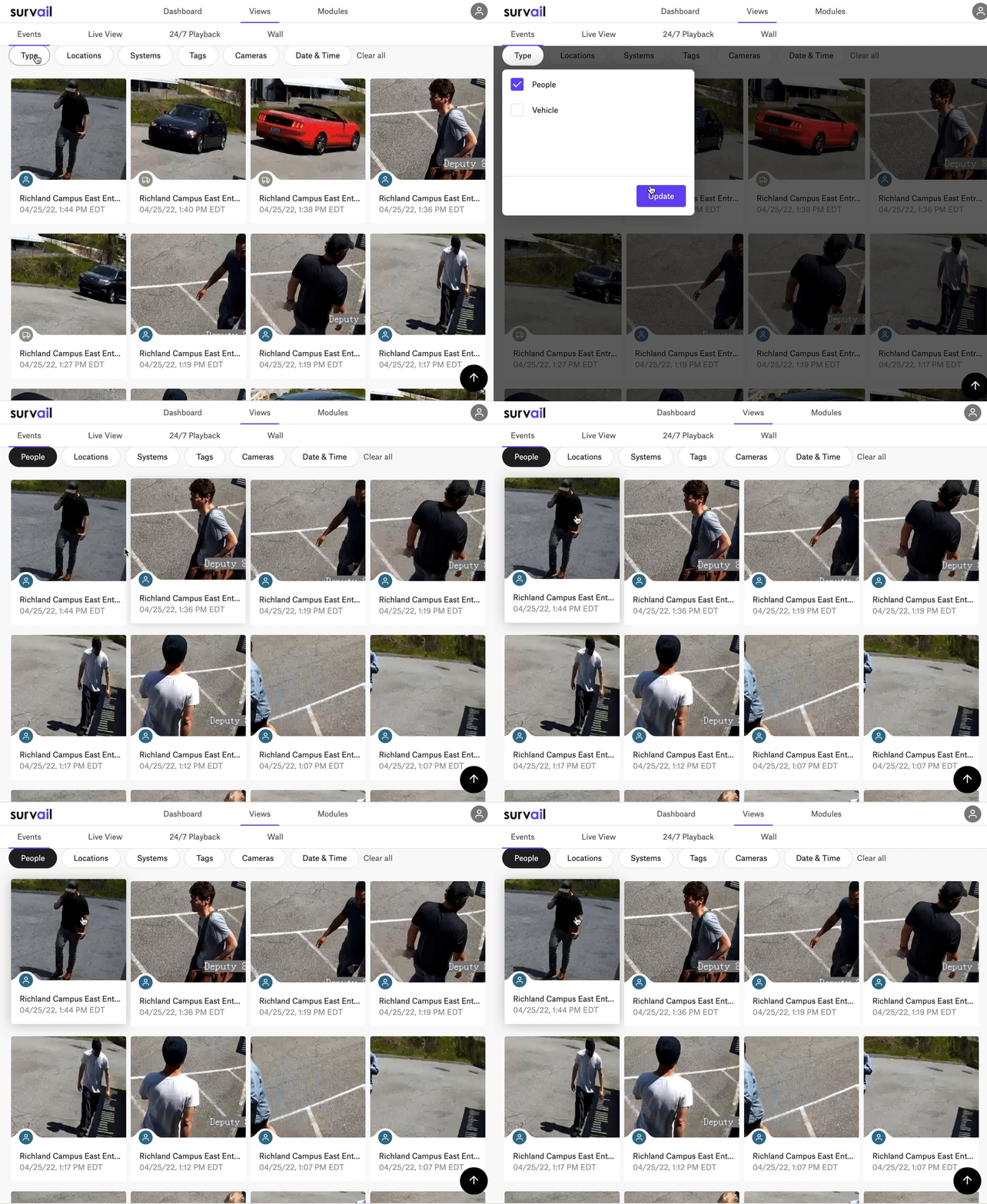
Survail, our in-house security platform, is a camera-agnostic video management tool that uses computer vision and AI to reduce security operator workloads and deliver business intelligence.
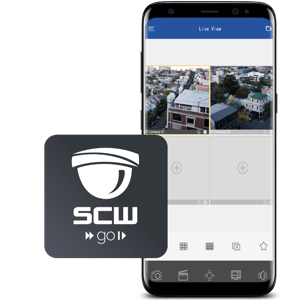
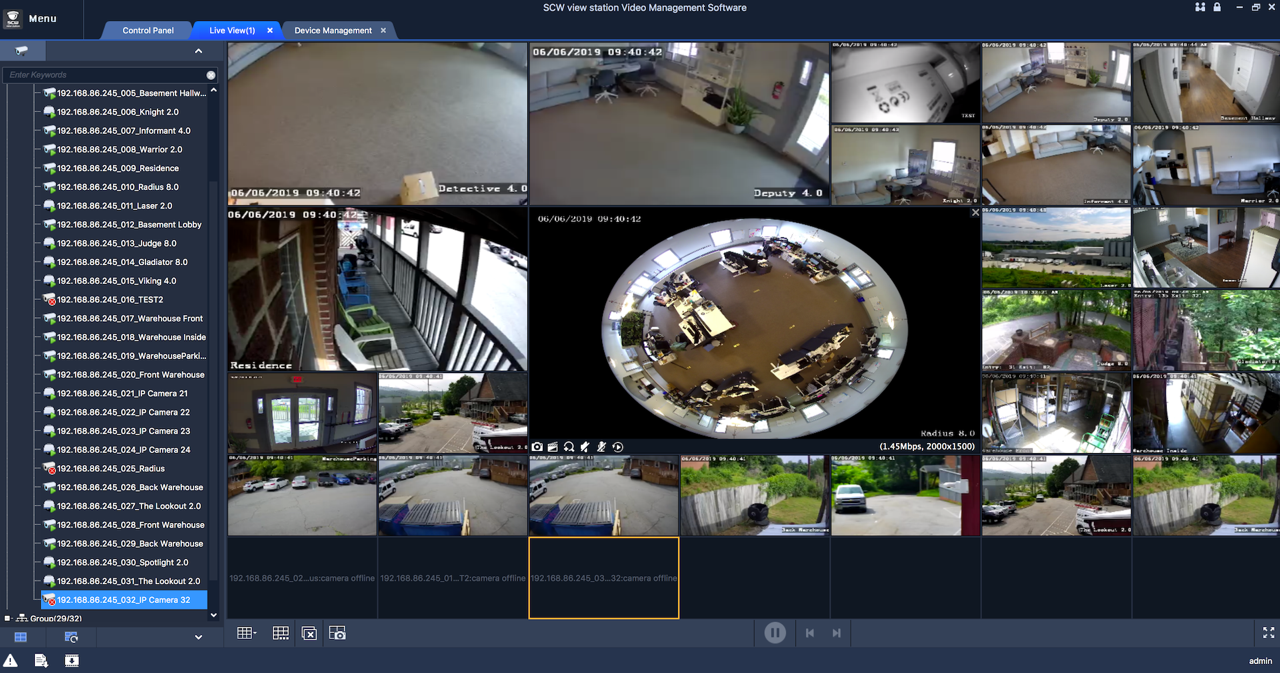
SCW Go is our free mobile app and Viewstation is our free desktop VMS.

Everything our
customers love
about SCW.
Reviews
SCW is the purchace friendly security I choose. Great customer service from experienced personn...
Read MoreWilliam A Forrest
Great company with super camera"s and staff support. You can't go wrong with SCW.
Read More